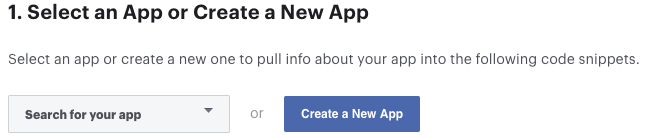
- Go to Facebook Login for iOS – Quickstart and select or create your app.
- Skip the step 2 (Set up Your Development Environment).
- In the step 3 (Register and Configure Your App with Facebook) you need add your
Bundle Identifier. The package name of your app you gave before.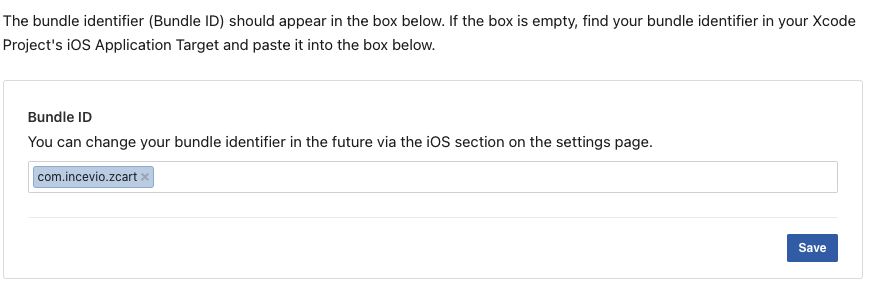
- In the Step 4 you need configure your
Info.plistfile insideios/Runner/Info.plist. Update all the values here.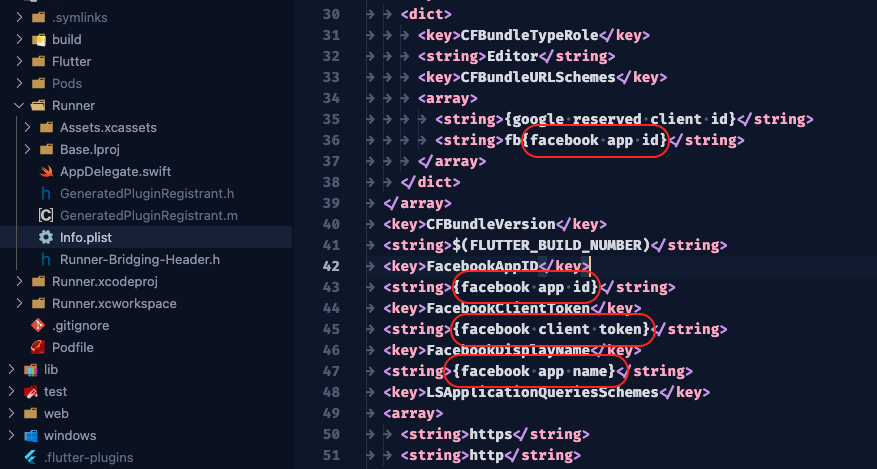
Facebook login setup for iOS app is done.