Go to Facebook Login for Android – Quickstart
- Select an App or Create a New App
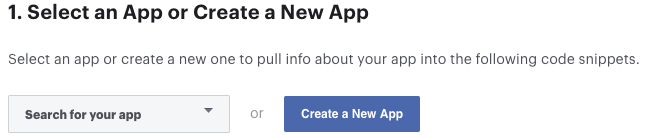
- Skip the step 2 (Download the Facebook App)
- Skip the step 3 (Integrate the Facebook SDK)
- Edit Your Resources and Manifest add this config in your android project
- Open your
/android/app/src/main/res/values/strings.xmlfile, or create one if it doesn’t exists. - Add the following (replace
facebook_app_namewith your app name,facebook_app_idwith your Facebook app id andfacebook_client_tokenwith your Facebook Client Token).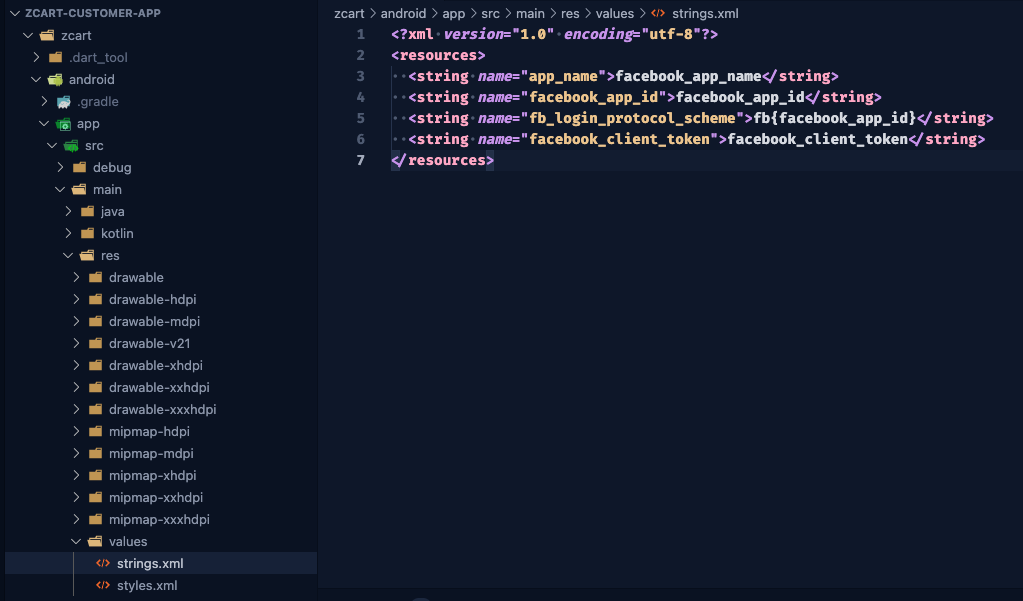
- Open your
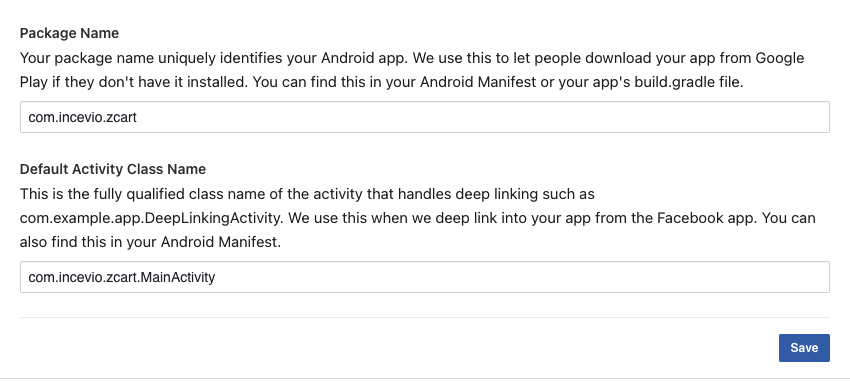
- Associate Your Package Name and Default Class with Your App. You must use your package name which one you gave in the previous step.
- Provide the Development and Release Key Hashes for Your App.
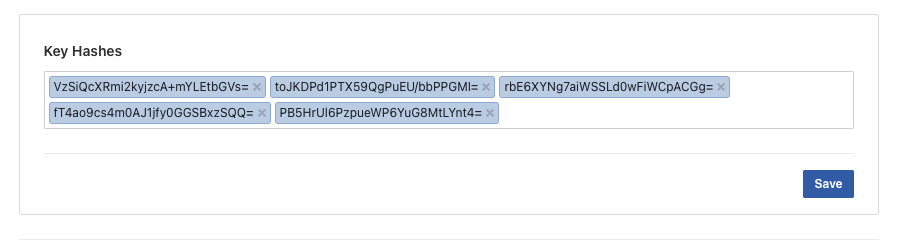
To find info to how to generate you key hash go to https://developers.facebook.com/docs/facebook-login/android?locale=en_US#6–provide-the-development-and-release-key-hashes-for-your-app
Note: if your application uses Google Play App Signing then you should get certificate SHA-1 fingerprint from Google Play Console and convert it to base64
You should add key hashes for every build variants like release, debug, CI/CD, etc.
Facebook Login Setup is DONE!